← Help Centre / Getting Started
Installing Social Loom Office
Do not disable Microsoft Defender or SmartScreen, install a root certificate, turn off antivirus, or change Group Policy. Contact `sales@social-loom.com` if the installer cannot be continued through the normal Windows flow.
- Download Social Loom Office only from social-loom.com.
- Check that the filename is Social-Loom-Office-Setup-1.0.0.exe and that the website shows the same SHA-256 as your downloaded file if you choose to verify it.
- Open the installer. Social Loom Office is currently distributed directly by Social Loom while Microsoft Store publisher verification is completed, so Windows may initially show Windows protected your PC or Unknown publisher.
- If the standard SmartScreen screen appears, choose More info, check that the app is Social Loom Office, then choose Run anyway only if you downloaded it from social-loom.com.
- Continue the normal installation and open Social Loom Office from the Start menu.
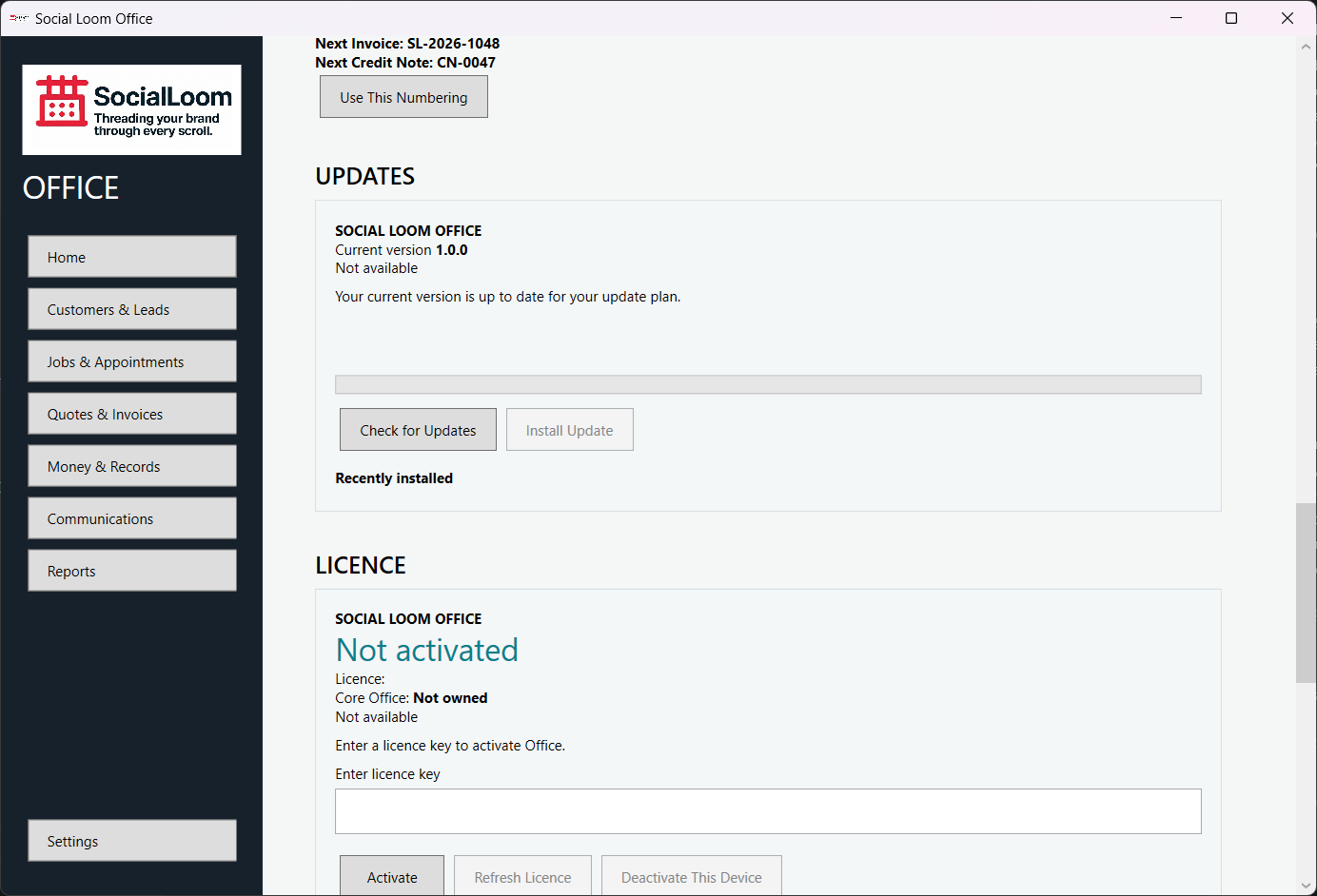
- Activate with the Social Loom Office licence supplied after purchase.