← Help Centre / Getting Started
Set up Office
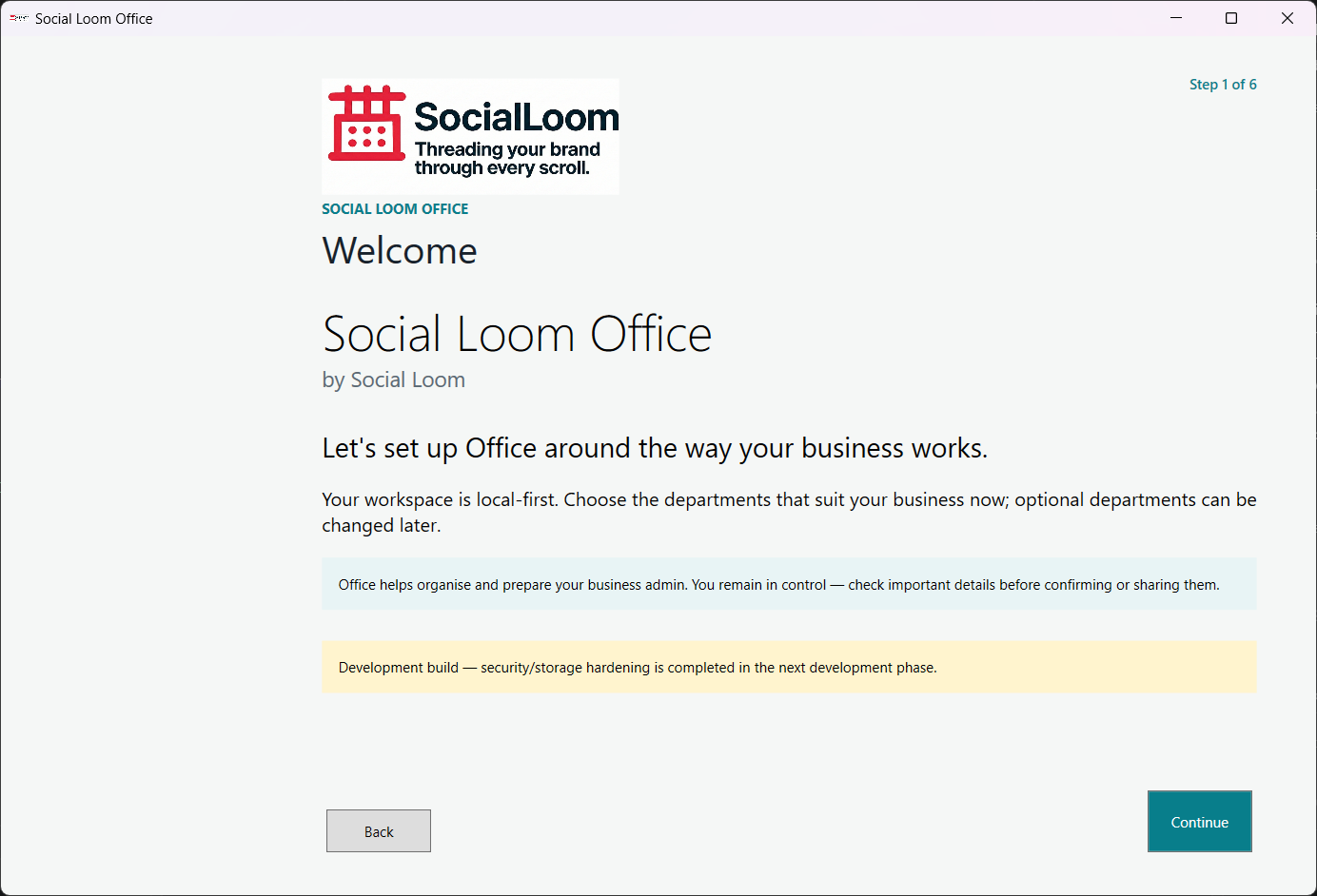
Use this once to shape Office around your business.
Office creates the encrypted local workspace. You can change optional departments later in Settings.
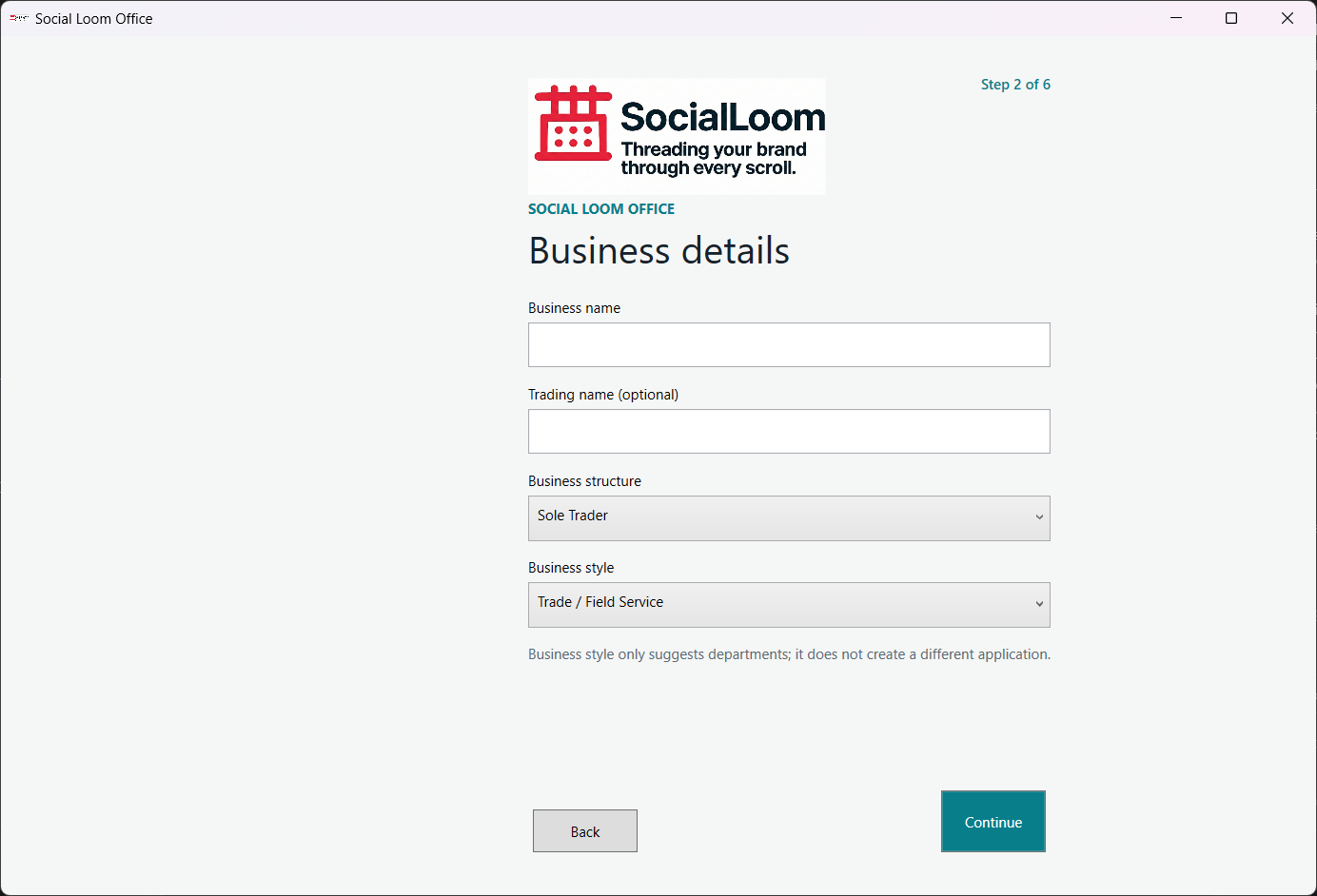
- Enter your business name, structure and style.
- Record whether the business is VAT registered.
- Choose the departments you need.
- Optionally bring in existing records.
- Check the review and choose Start using Office.