← Help Centre / Importing Existing Records
Import existing business records and numbering
Nothing imports until the explicit action. Office does not independently verify imported data.
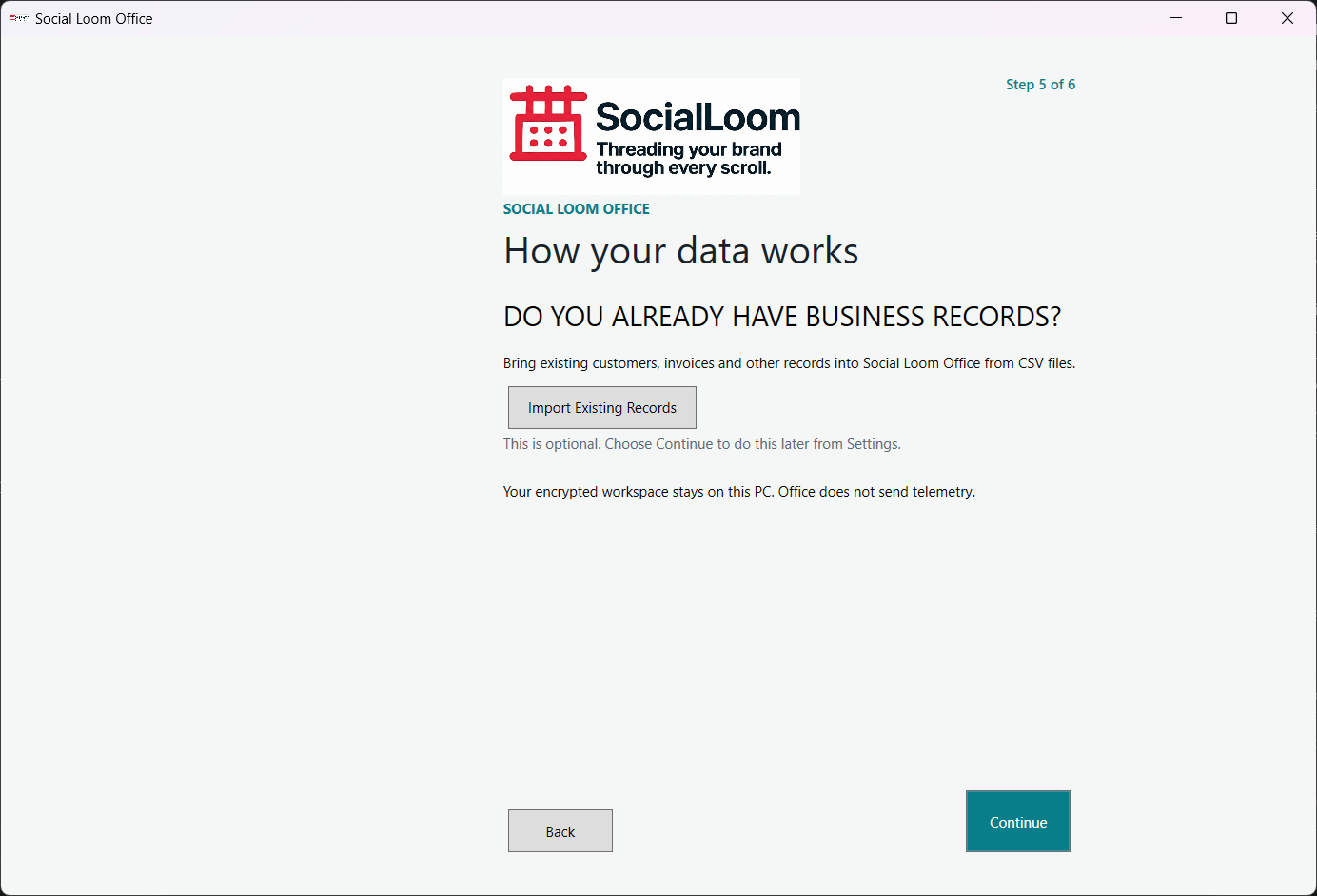
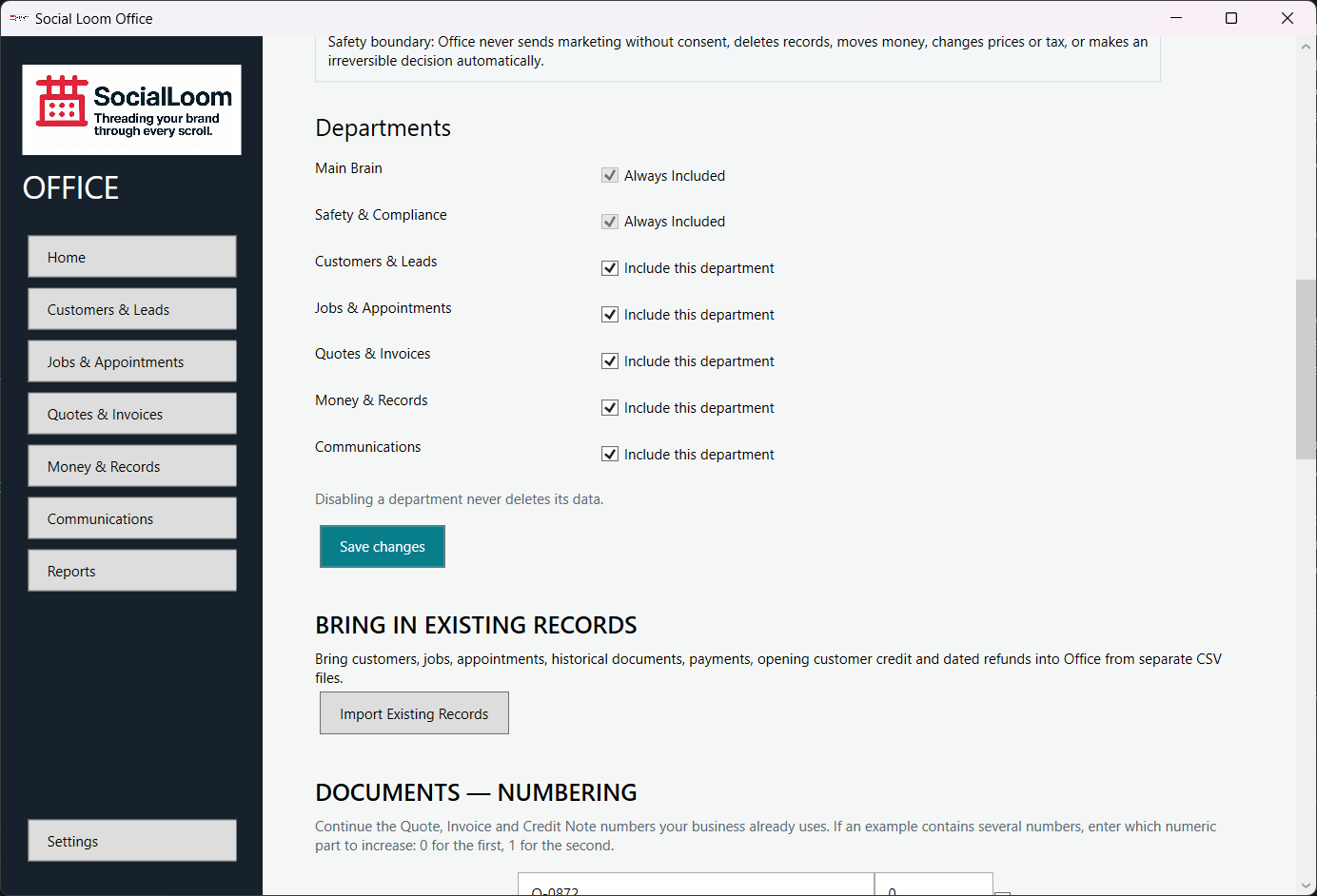
- Open Settings > Import Existing Records.
- Choose one record type and its CSV file.
- Review mapping, preview, warnings and duplicate information.
- Check the preview and choose Import Reviewed Records.
- Under Document Numbering, enter the next Quote, Invoice and Credit Note examples; choose which numeric segment increases when needed.