← Help Centre / Customers
Import customers
Check the preview before importing. Office does not independently verify spreadsheet data.
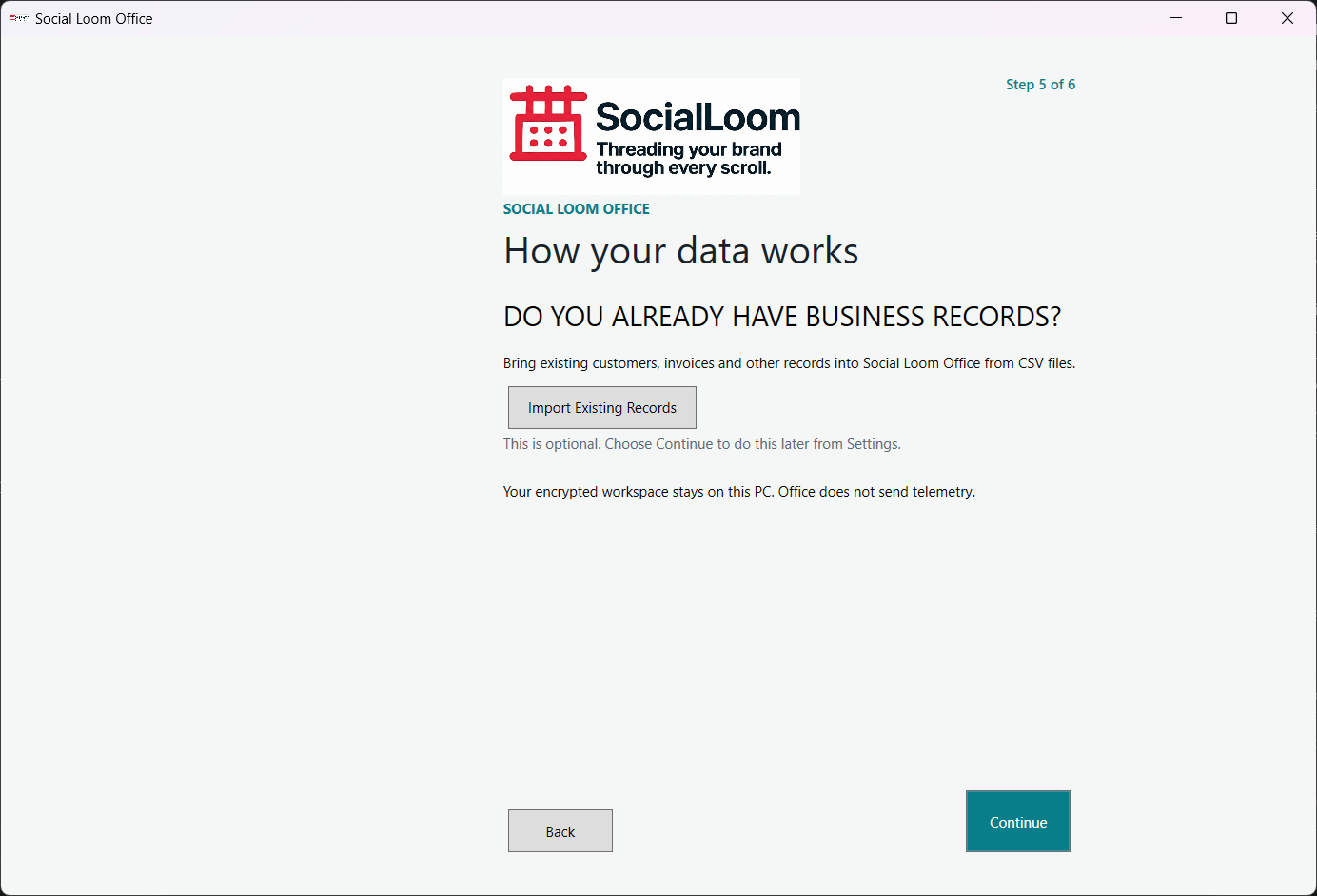
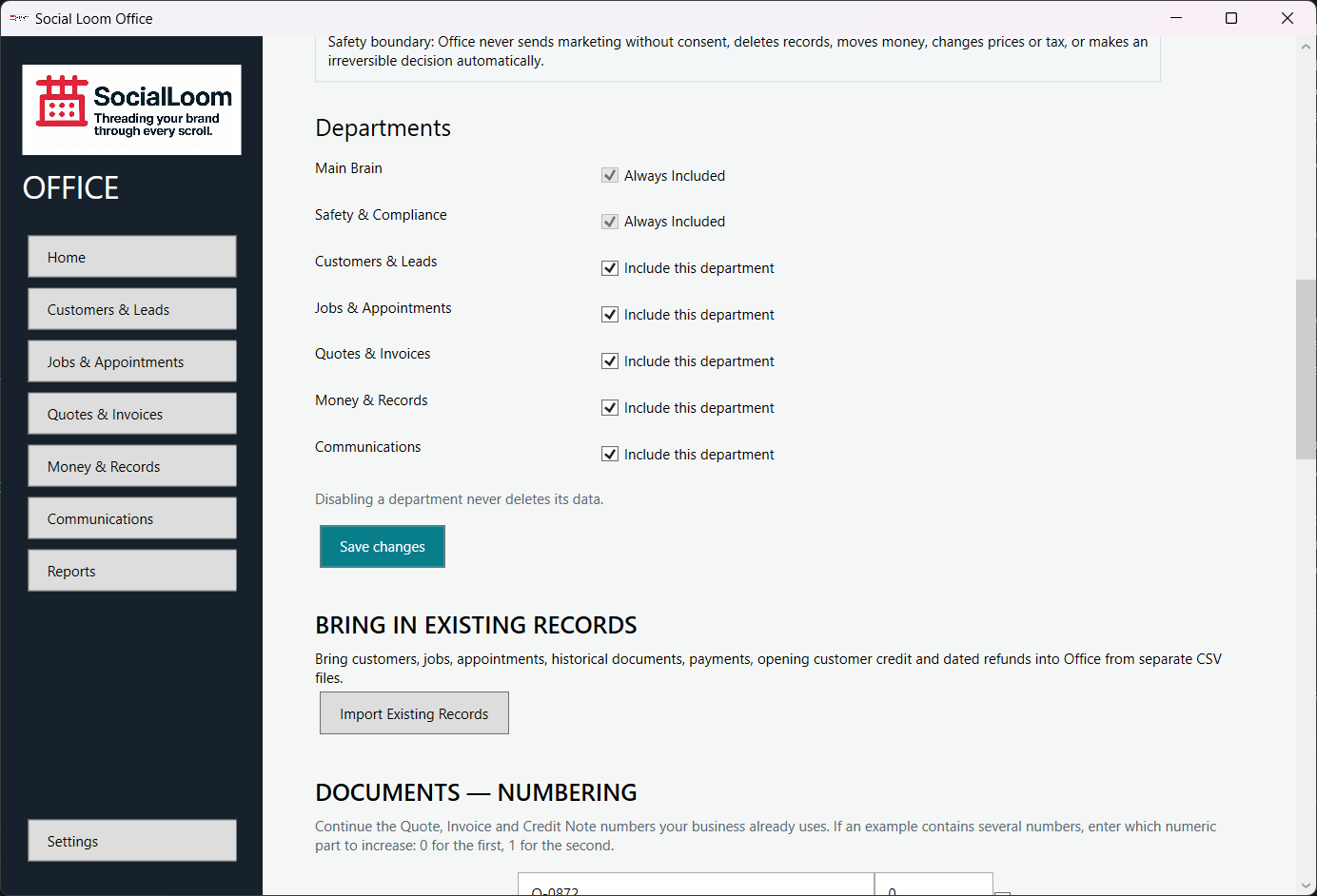
- Open Customers & Leads and start Import, or open Settings > Import Existing Records.
- Choose the customer file and map its columns.
- Review warnings and possible duplicates.
- Check the preview, then choose the explicit import action.