← Help Centre / Receipts
Add and review a receipt
Office read these details as suggestions. Check the receipt details before confirming; OCR never confirms or creates Money Out automatically.
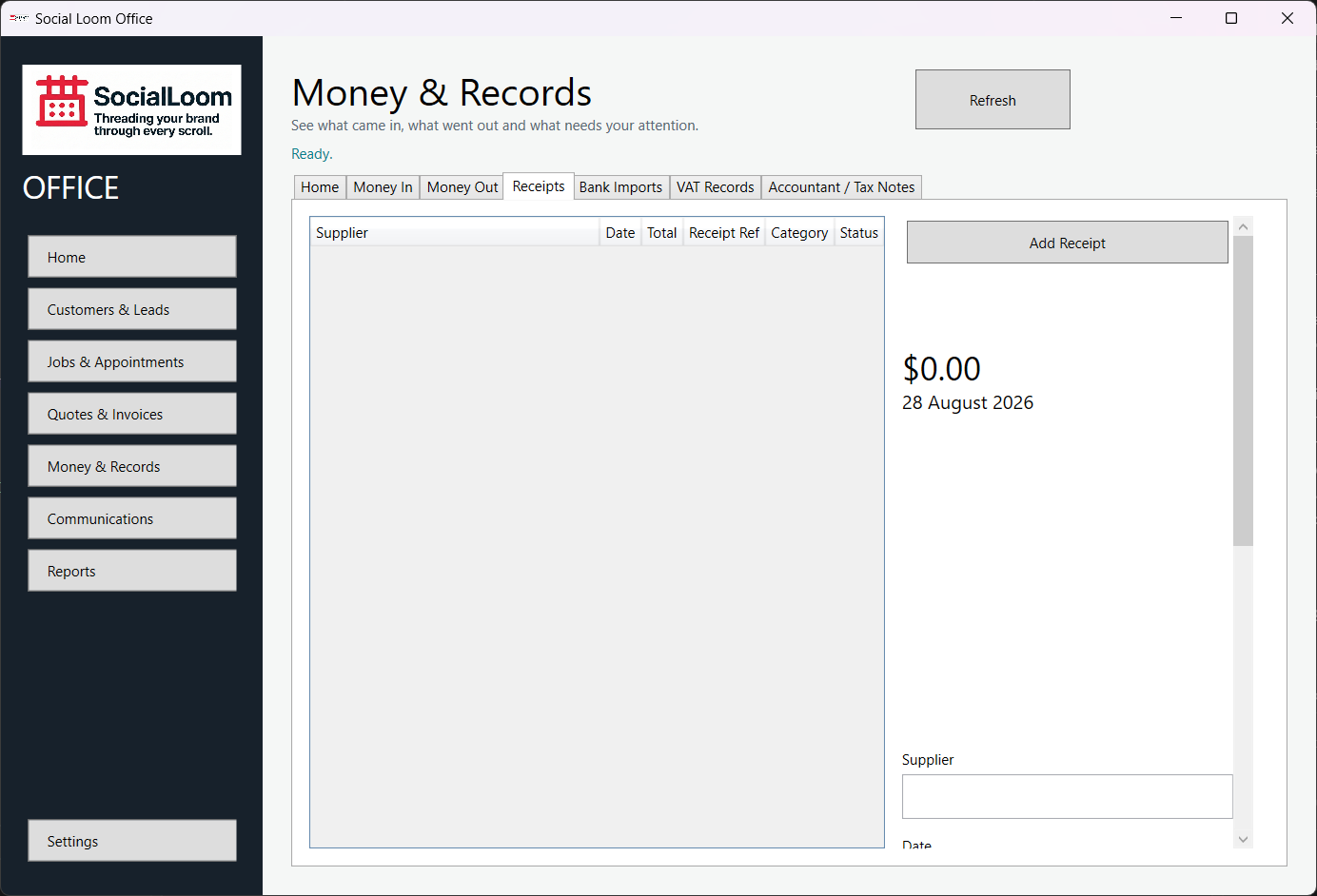
- Open Money & Records > Receipts and choose Add Receipt.
- Select the image stored on this PC.
- Review the image and every suggested supplier/date/total/VAT field.
- Correct missing or unreadable details manually.
- Choose Confirm Receipt.