← Help Centre / Quotes
Issue and download a quote
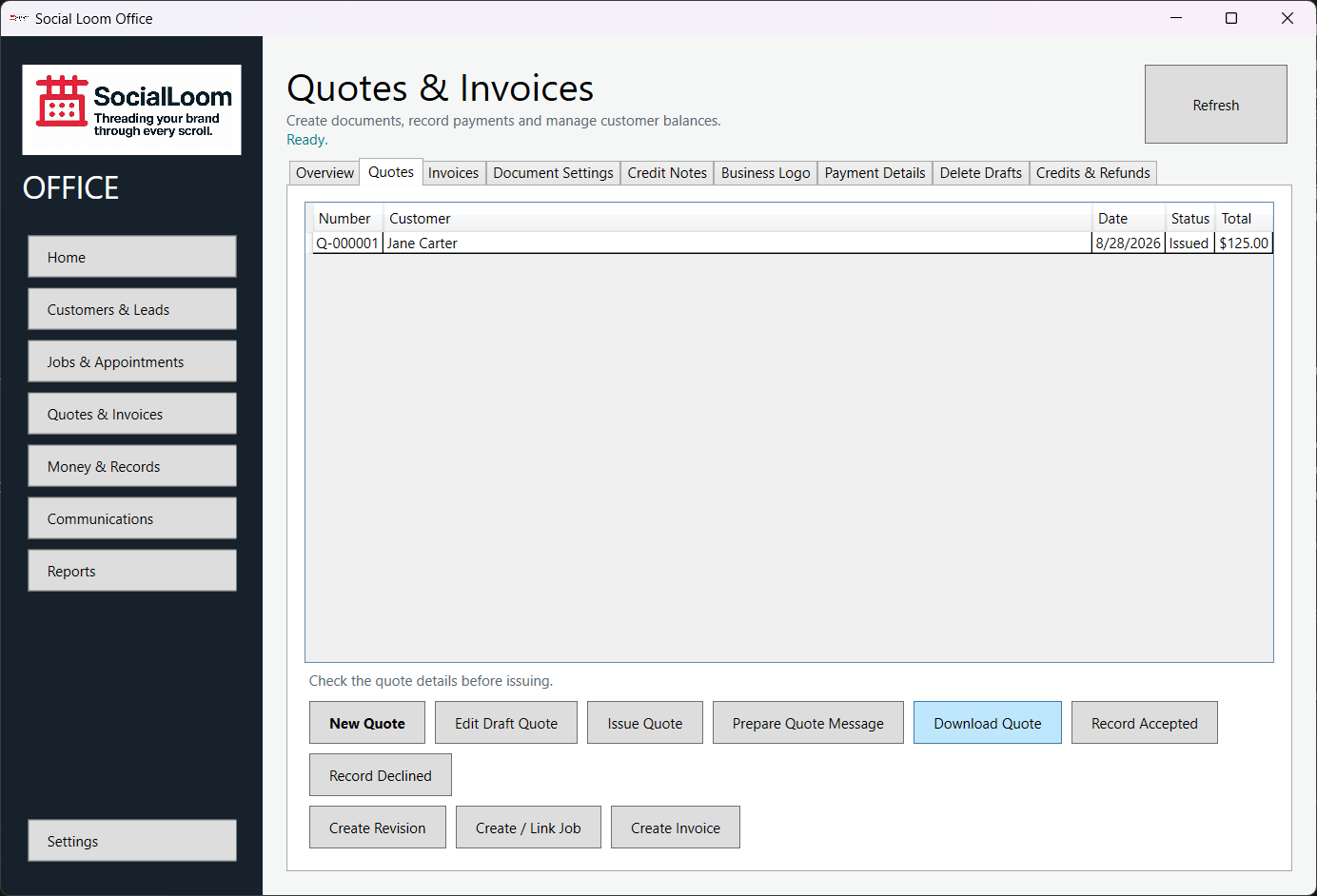
Issue gives the quote a permanent number and makes the issued version read-only. Use a revision for later changes.
- Select the completed draft.
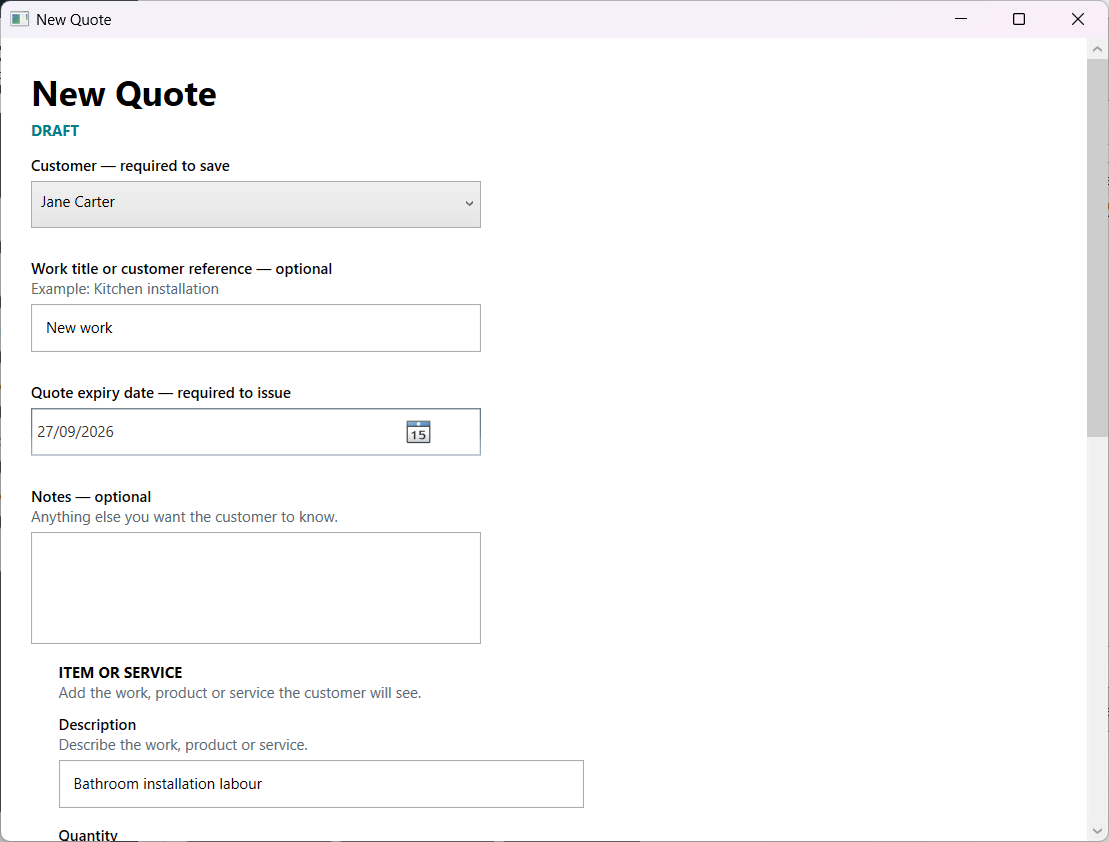
- Check the customer, date, items and total.
- Choose Issue Quote and confirm the review.
- Choose Download Quote to save the exact issued PDF.
- Check the document before sending or sharing it.