← Help Centre / Quotes
Create or save a quote
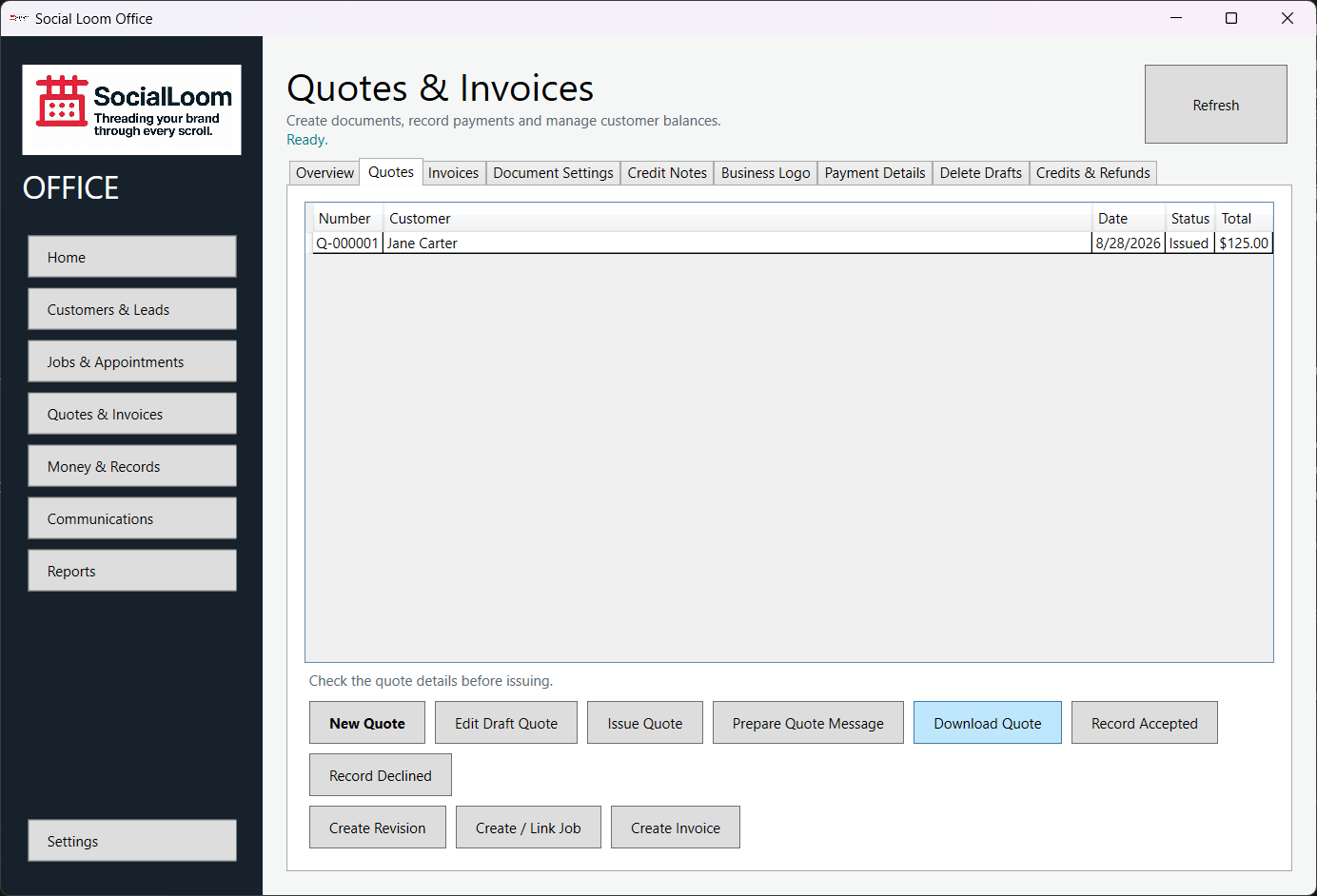
- Open Quotes & Invoices > Quotes and choose New Quote.
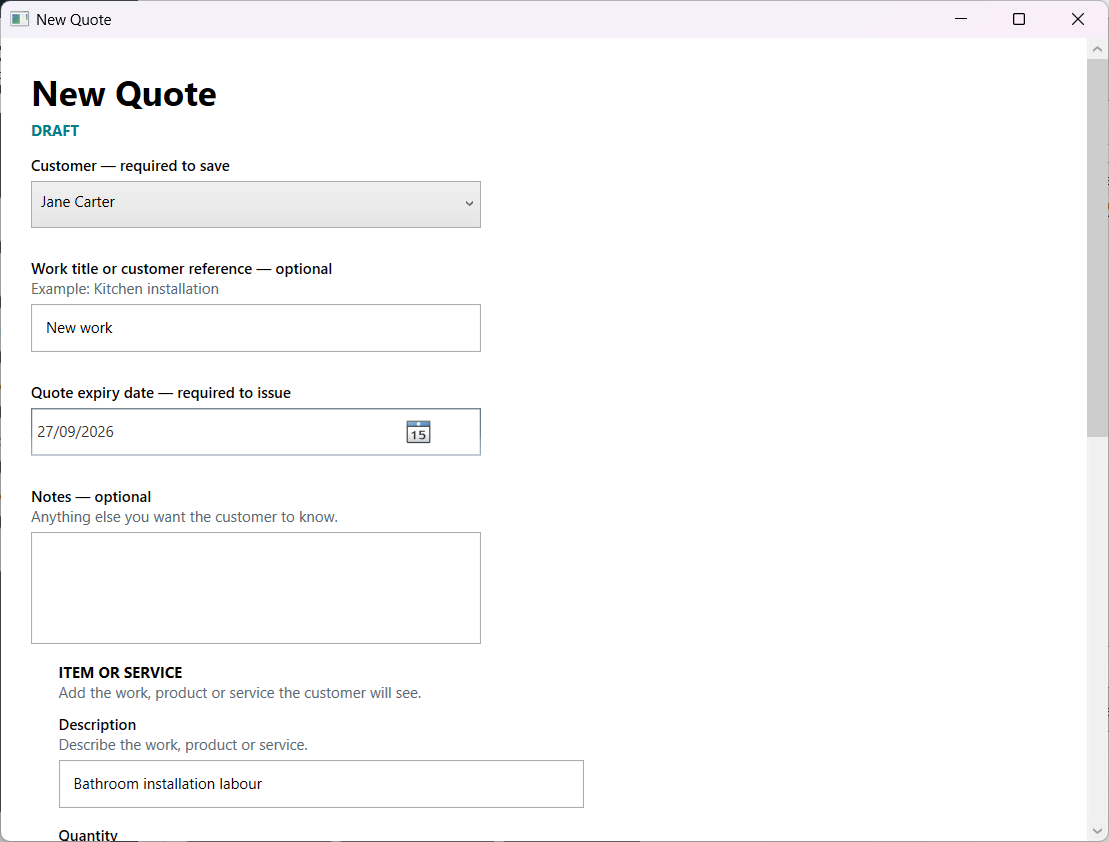
- Choose the customer and enter the work or reference.
- Add each item or service and its price.
- Choose Save Draft even if some issue details are not ready.
- Reopen the draft later and complete anything marked Needs Details.