← Help Centre / Money & Bank
Import and match bank transactions
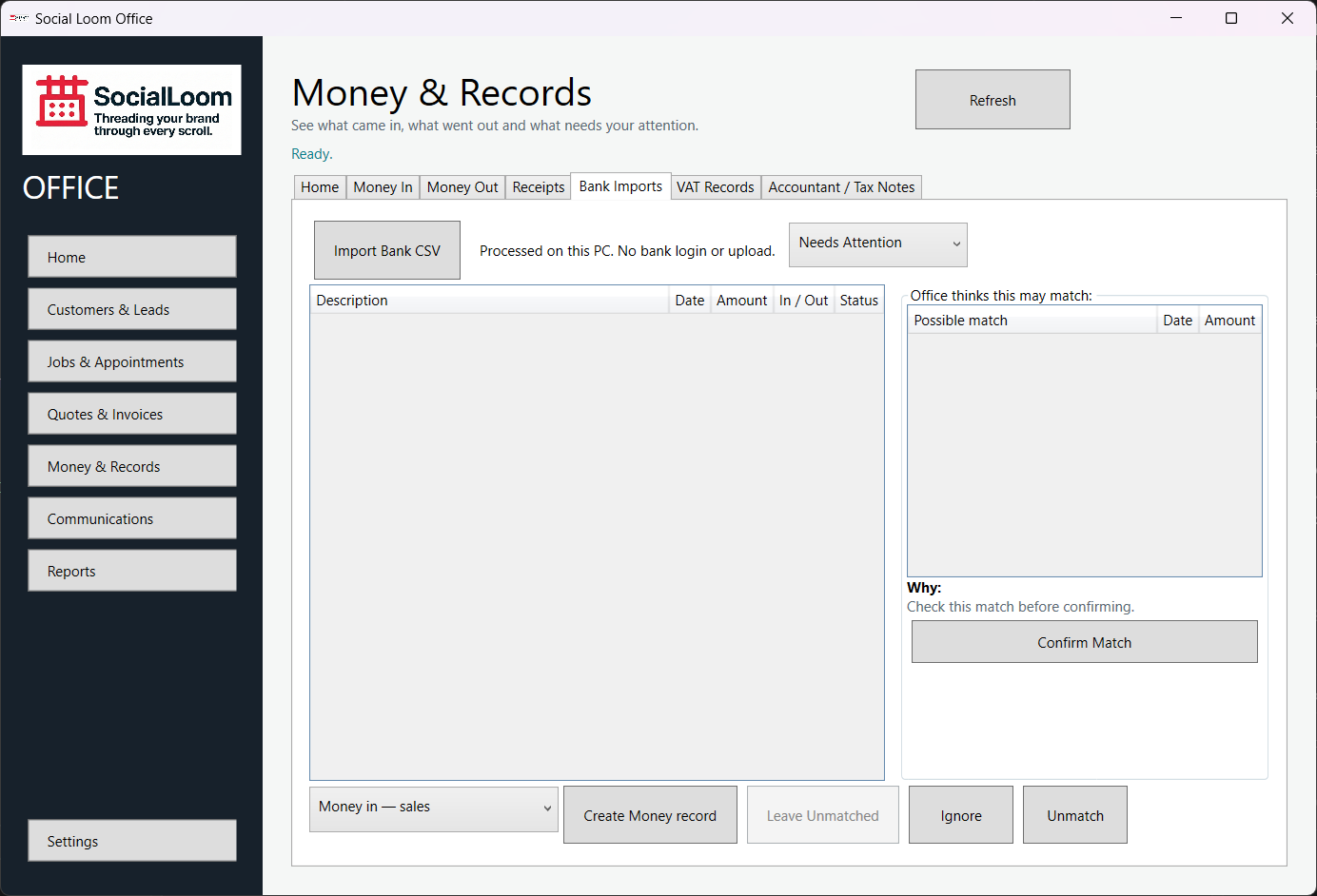
Matching does not add money twice. Office suggests; the owner confirms. You can unmatch or ignore a row without deleting the underlying record.
- Open Money & Records > Bank Imports and choose Import Bank CSV.
- Select the header row and map date, description, amount and direction columns.
- Review duplicates and warnings, then import.
- Select an unmatched row and review Office thinks this may match.
- Check the date, amount and evidence before Confirm Match.