← Help Centre / Invoices & Payments
Record or correct a payment
Office records what you confirm happened; it does not move money.
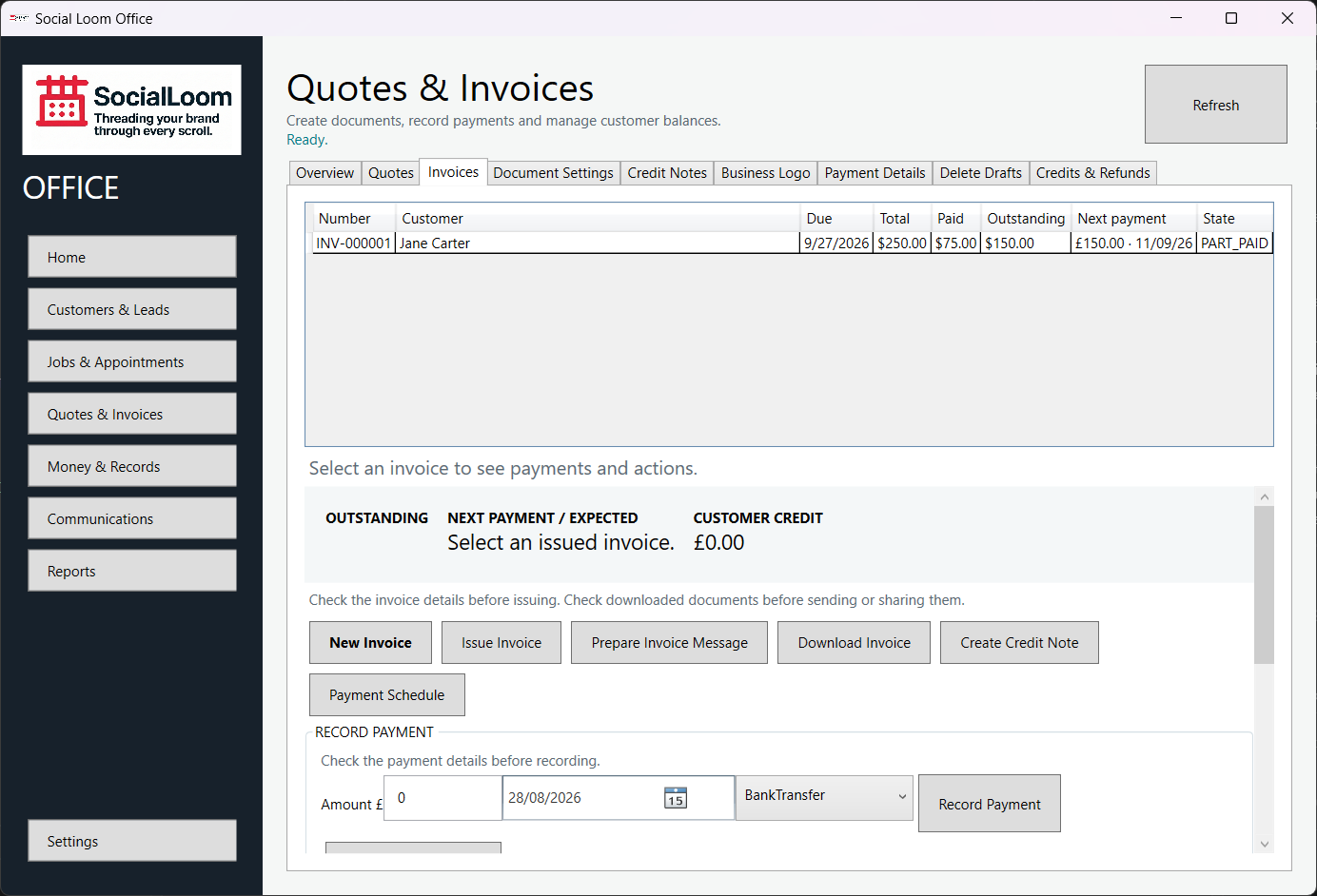
- Open Quotes & Invoices > Invoices and select the invoice.
- Enter the amount received, date and payment method.
- Check the customer, invoice, amount and date.
- Choose Record Payment and confirm.
- If the entry was wrong, use Reverse Last Payment so the history remains visible.