← Help Centre / Invoices & Payments
Set a payment schedule
Schedules are expectations only. Money becomes received only when you record the payment.
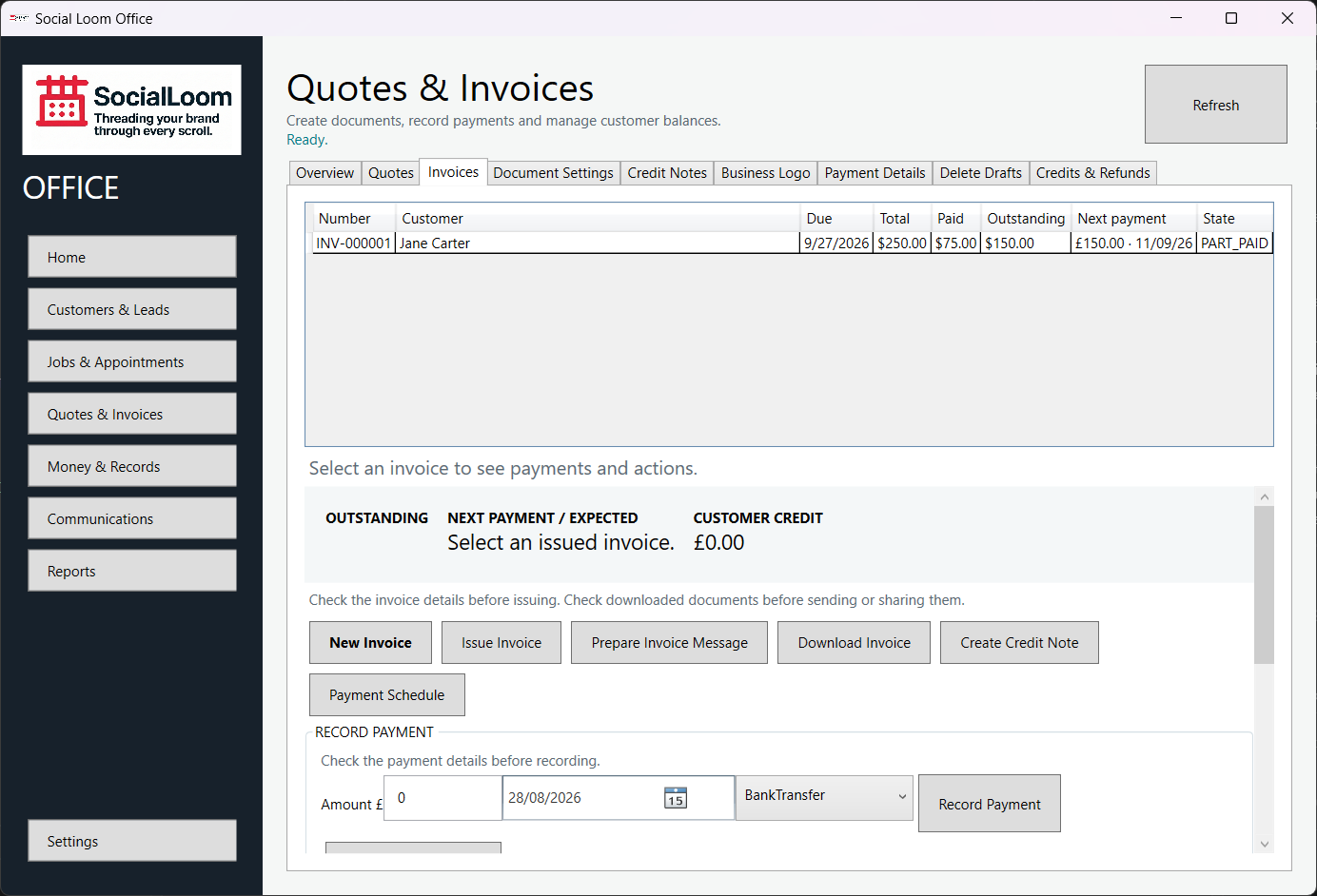
- Select the invoice and expand Payment Schedule.
- Add each expected amount and date.
- Save the schedule.
- Review Next payment / expected on the invoice.