← Help Centre / Credits & Refunds
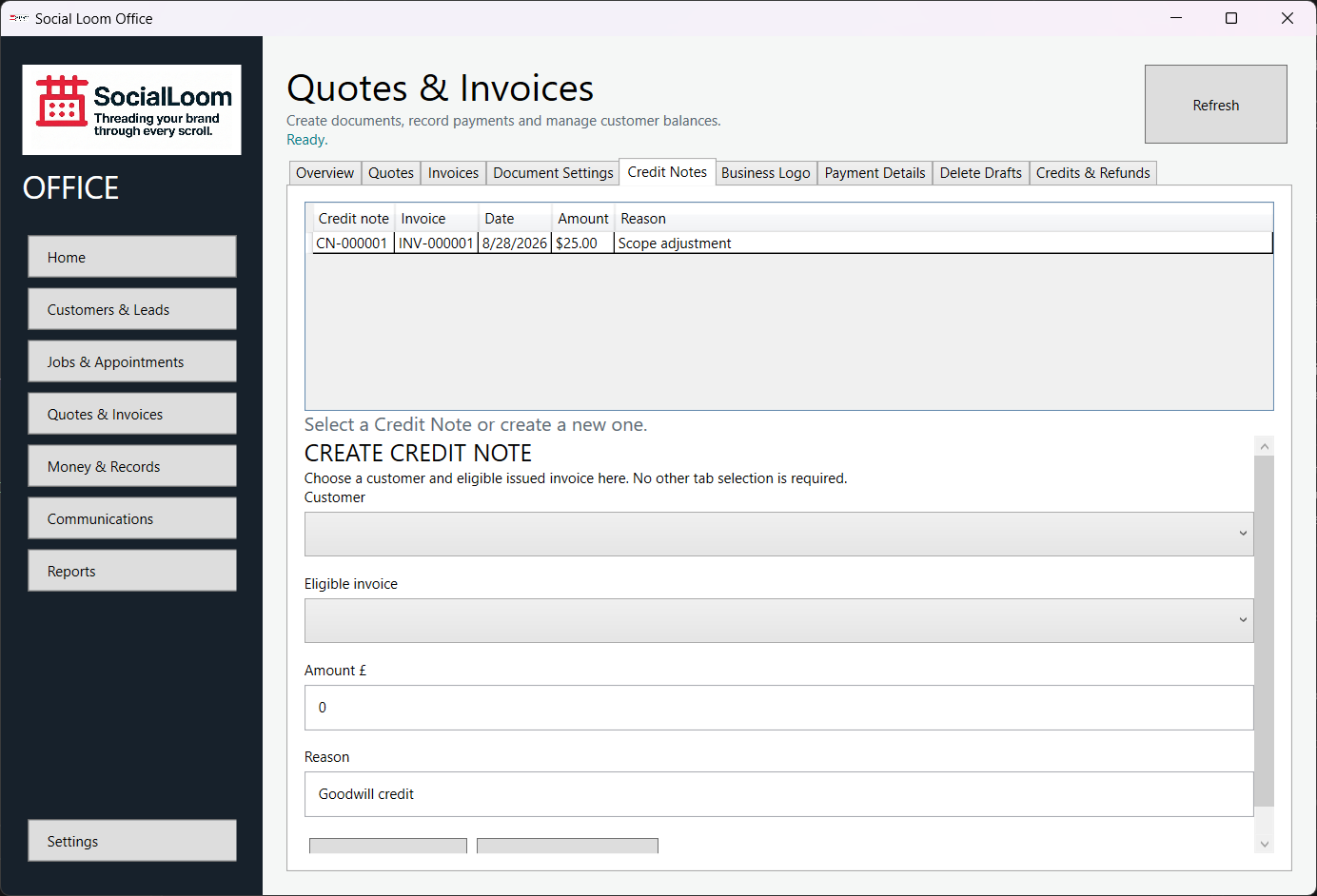
Create a Credit Note
The issued invoice remains unchanged; the immutable Credit Note records the correction.
- Open Quotes & Invoices > Credit Notes.
- Choose the customer and eligible issued invoice.
- Enter the amount and reason.
- Check the Credit Note details and choose Create Credit Note.
- Save and check the exact issued document before sharing it.