← Help Centre / Credits & Refunds
Add, apply or refund customer credit
Office records the credit or refund you confirm; it does not send money.
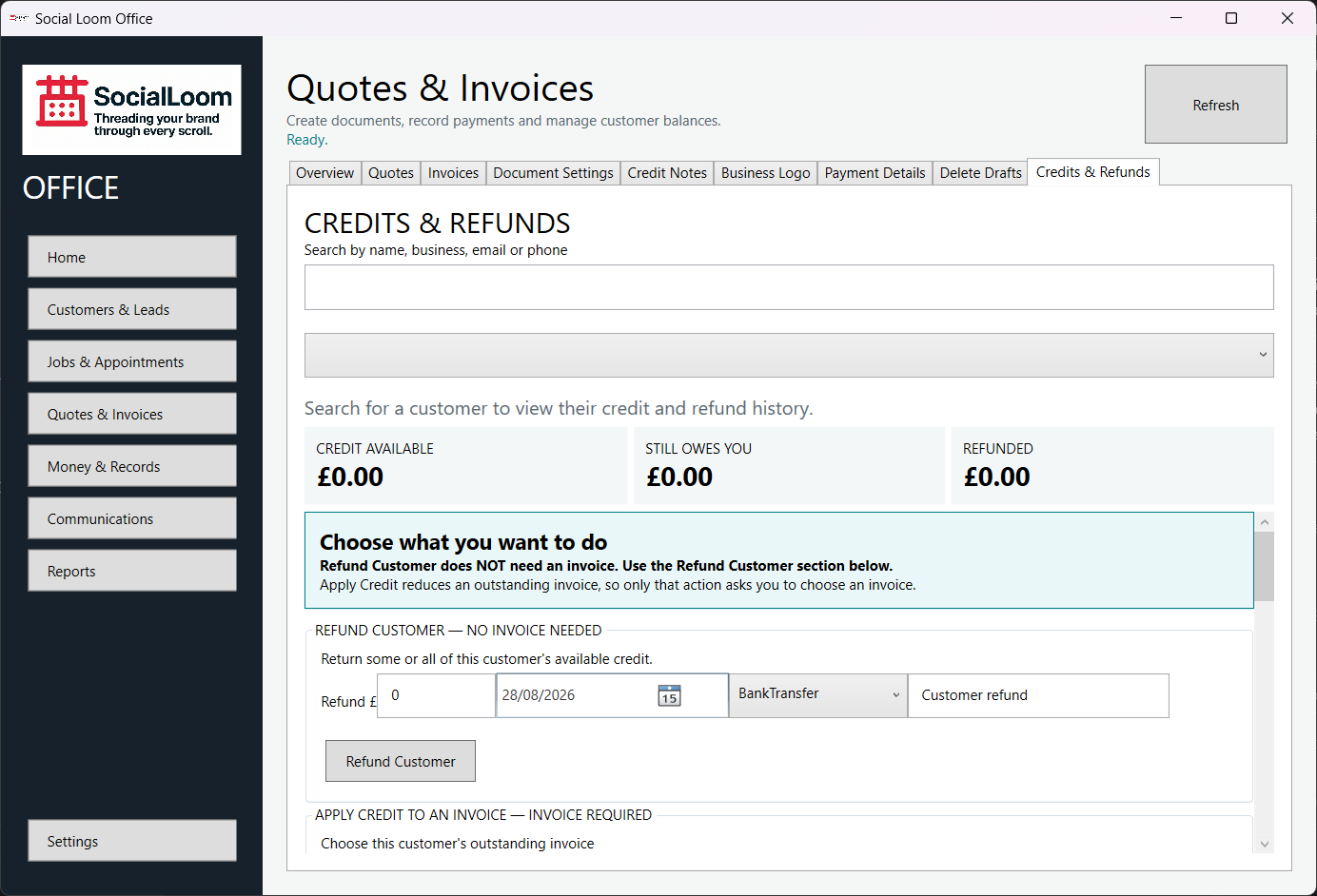
- Open Quotes & Invoices > Credits & Refunds and choose the customer.
- To add credit, enter the amount/date/reason under Add Customer Credit.
- To apply it, choose the outstanding invoice and amount; check the resulting invoice balance.
- To record a refund, enter the amount/date/method/reason and confirm the customer.
- Correct a mistaken refund through its correction control rather than deleting history.