← Help Centre / Jobs & Appointments
Cancel an appointment or fill the slot
Office does not send the offer or accept it on the customer's behalf.
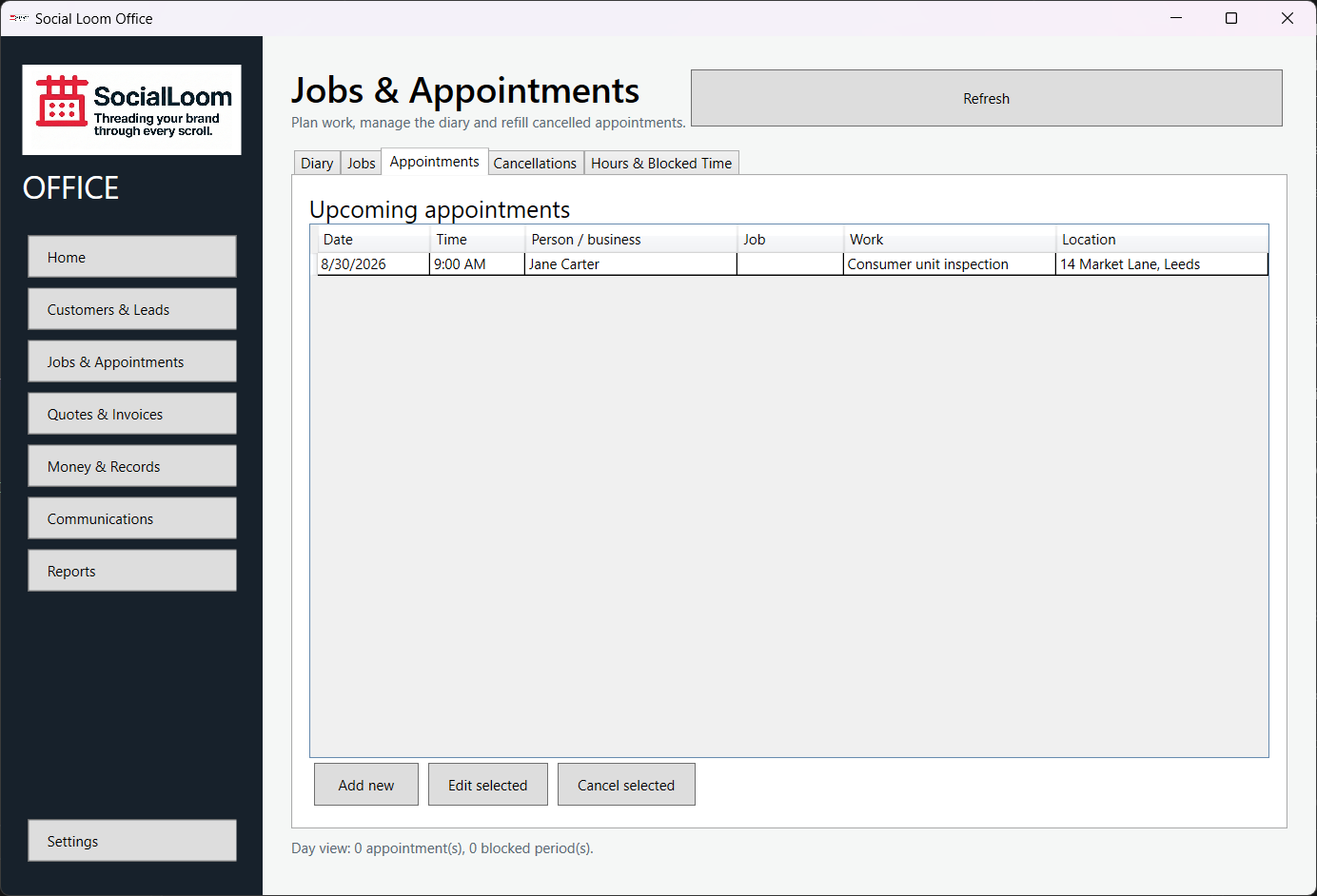
- Select the appointment and record its cancellation.
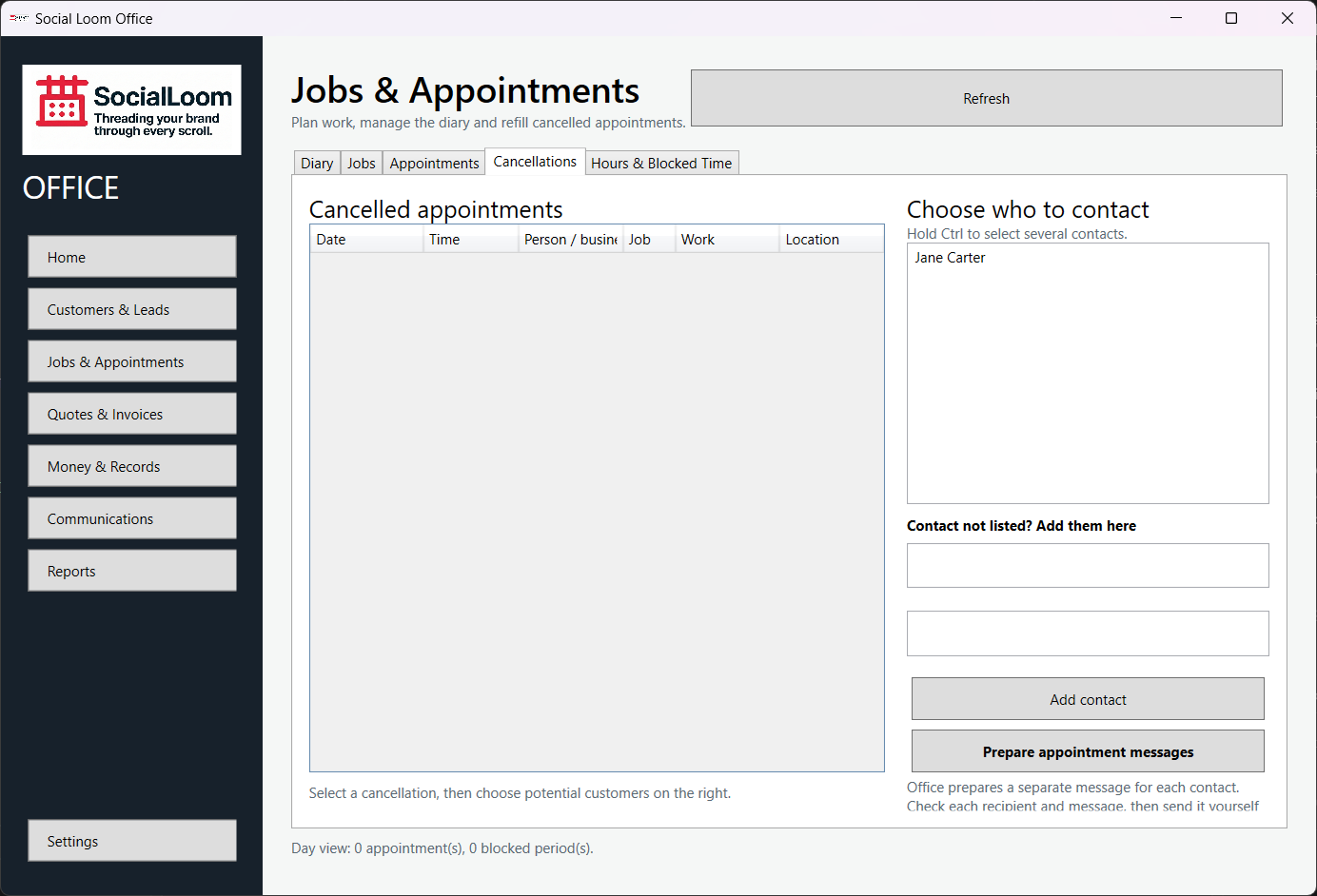
- Open the resulting available slot and waiting-list suggestions.
- Choose the appropriate customer and prepare the offer.
- Check and send the message manually.
- Record the customer's response through the offered workflow.