← Help Centre / Jobs & Appointments
Create and manage appointments
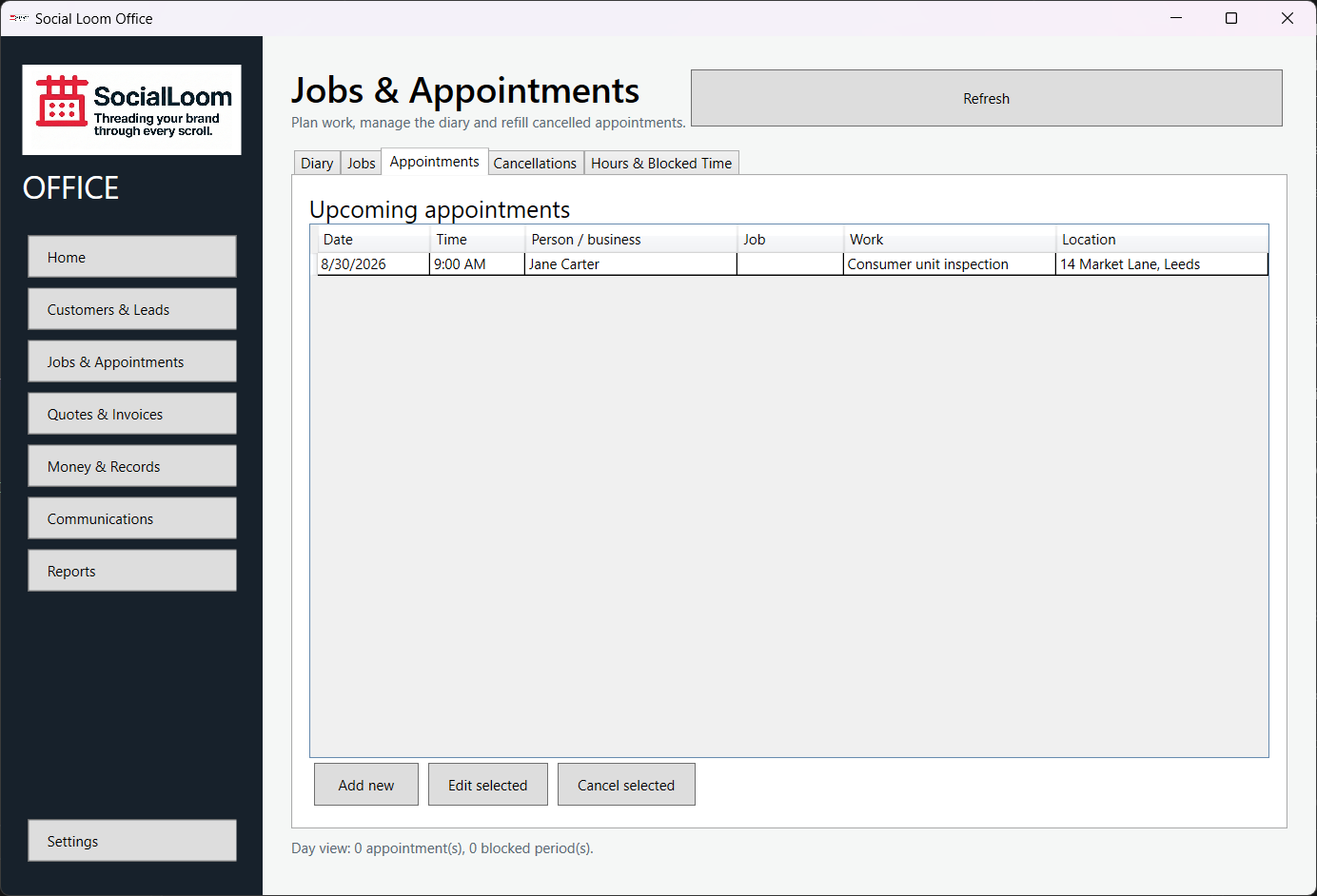
- Open Jobs & Appointments.
- Create or choose a job if the appointment belongs to one.
- Choose New Appointment.
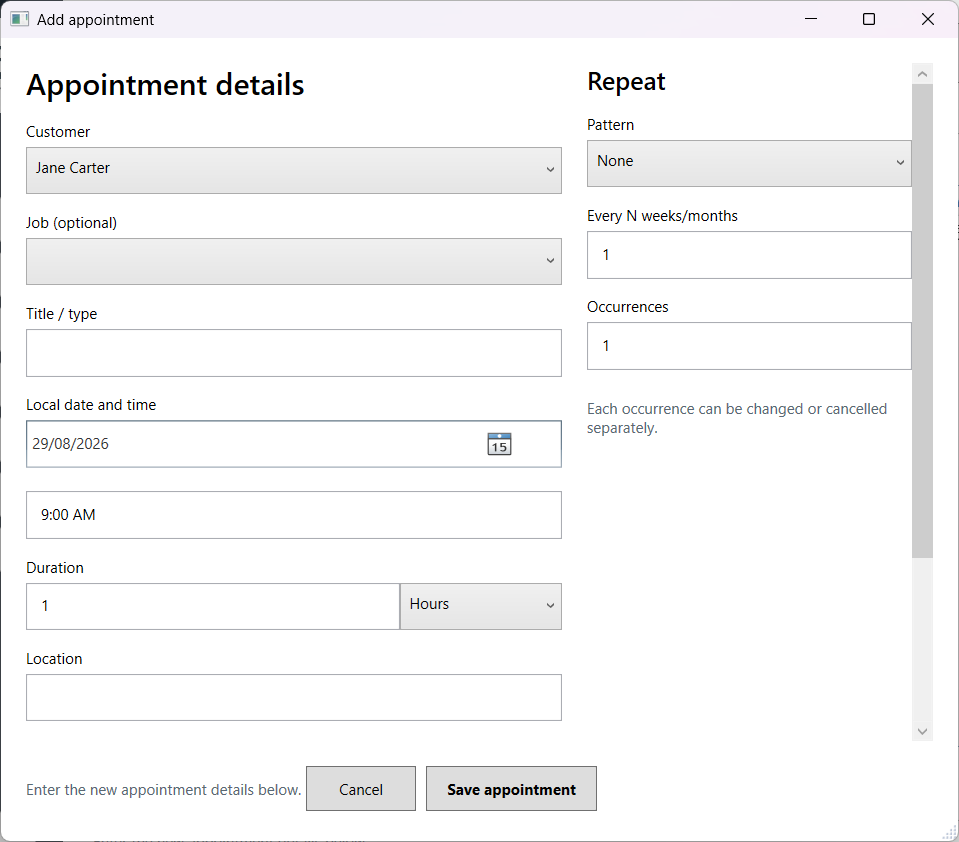
- Select the customer, date, time, duration and location.
- Add a repeat pattern only when needed, then save.