← Help Centre / Accountant Pack
Create an Accountant Pack
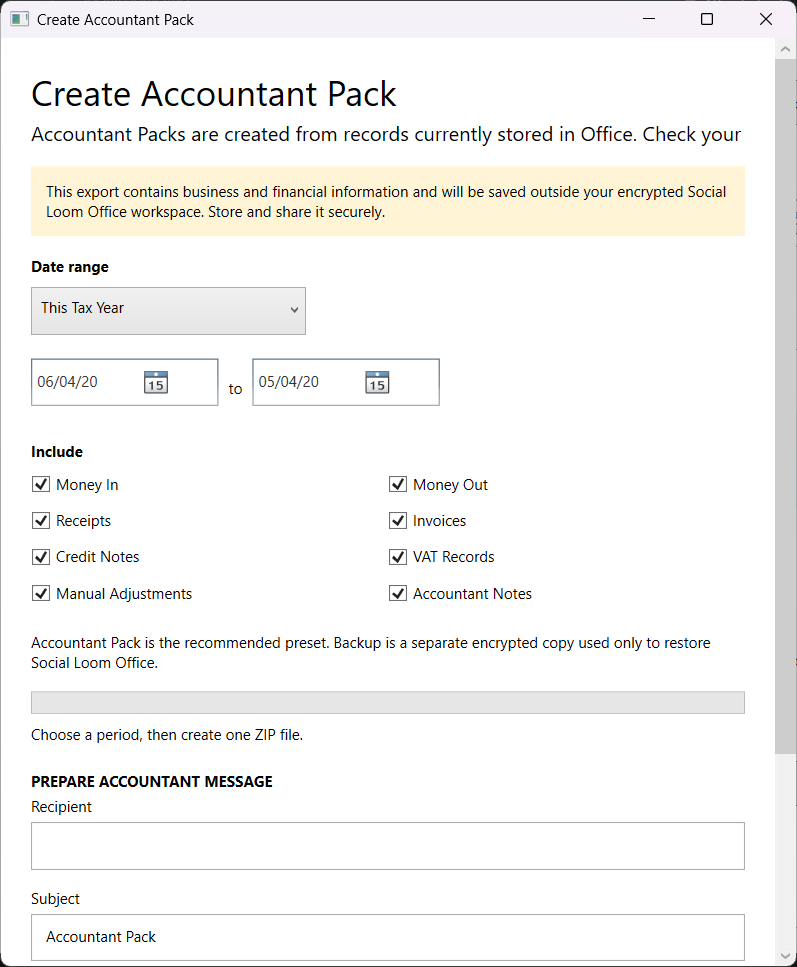
The pack is created from records currently stored in Office. Check your records before sharing it.
- Open Reports or Money & Records and choose Create Accountant Pack.
- Select the period and included sections.
- Check that the records in Office are current.
- Choose Create Export and save it securely.
- Prepare a message if useful, then check and send it manually.